What Bide refuses
Everything this category
usually does, we didn't build.
- No streaks, no confetti. Nothing dies if you skip a day, and nothing cheers when you spend. Bide isn't a habit to maintain.
- No countdowns. A price isn't more true because a clock is ticking underneath it.
- No fake sales. A retailer's crossed-out price can never trigger an alert. Bide only counts prices it has actually seen.
- No uncertain matches. If Bide can't confirm it's the exact product — colour, model, size — it asks you. Unsure never alerts.
- No paid influence. Some links pay Bide a small commission. They never decide what counts as a drop.
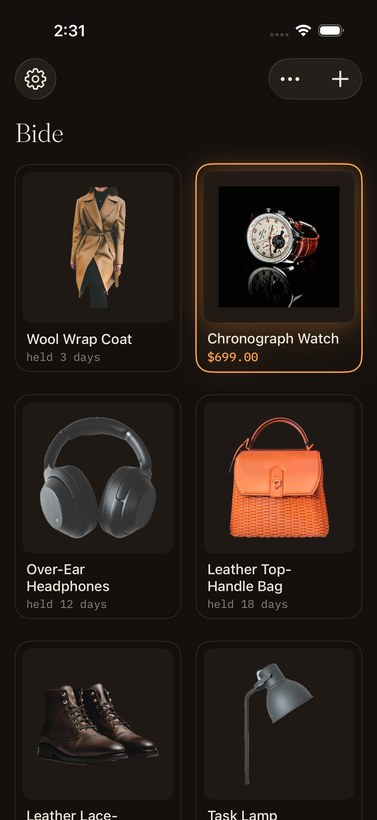
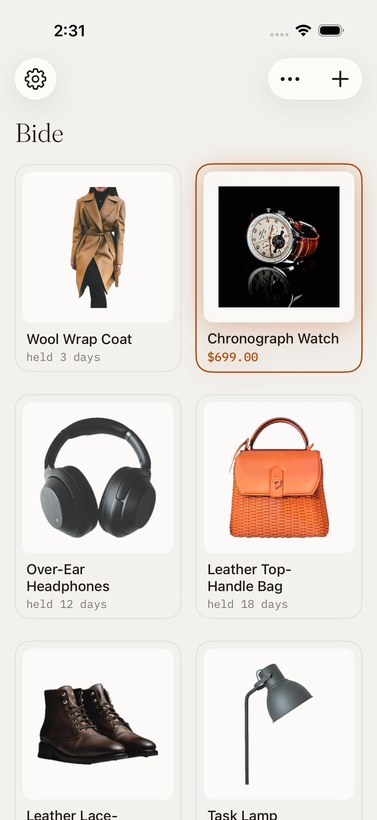
What's left is a gallery, and a light that only comes on when it's real.
See it work
The whole app is this quiet.
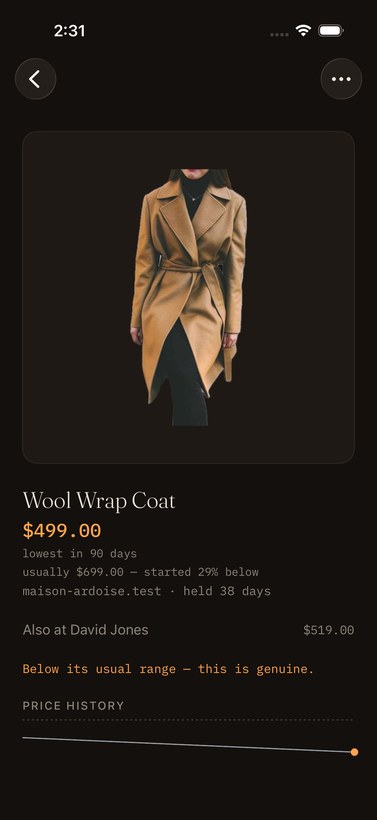
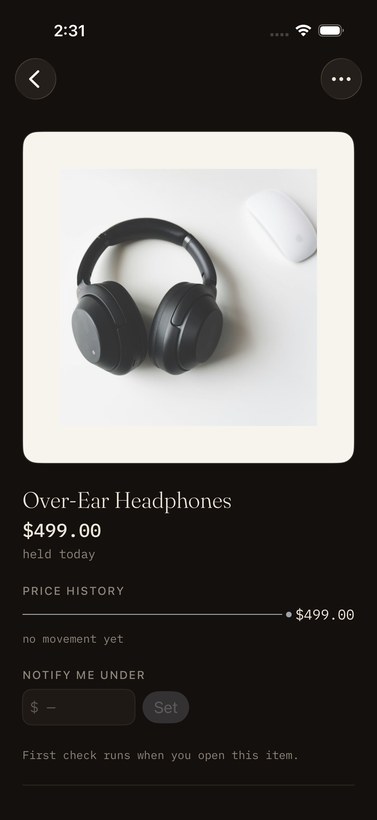
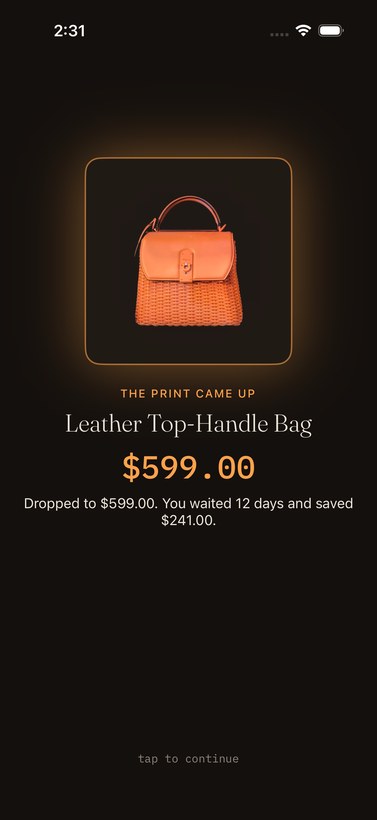
Straight from the app. An item keeps a plain record, a photo becomes a watch, and the light only comes on when a price is genuinely low.
Bide is in closed beta — request an invite
The moment
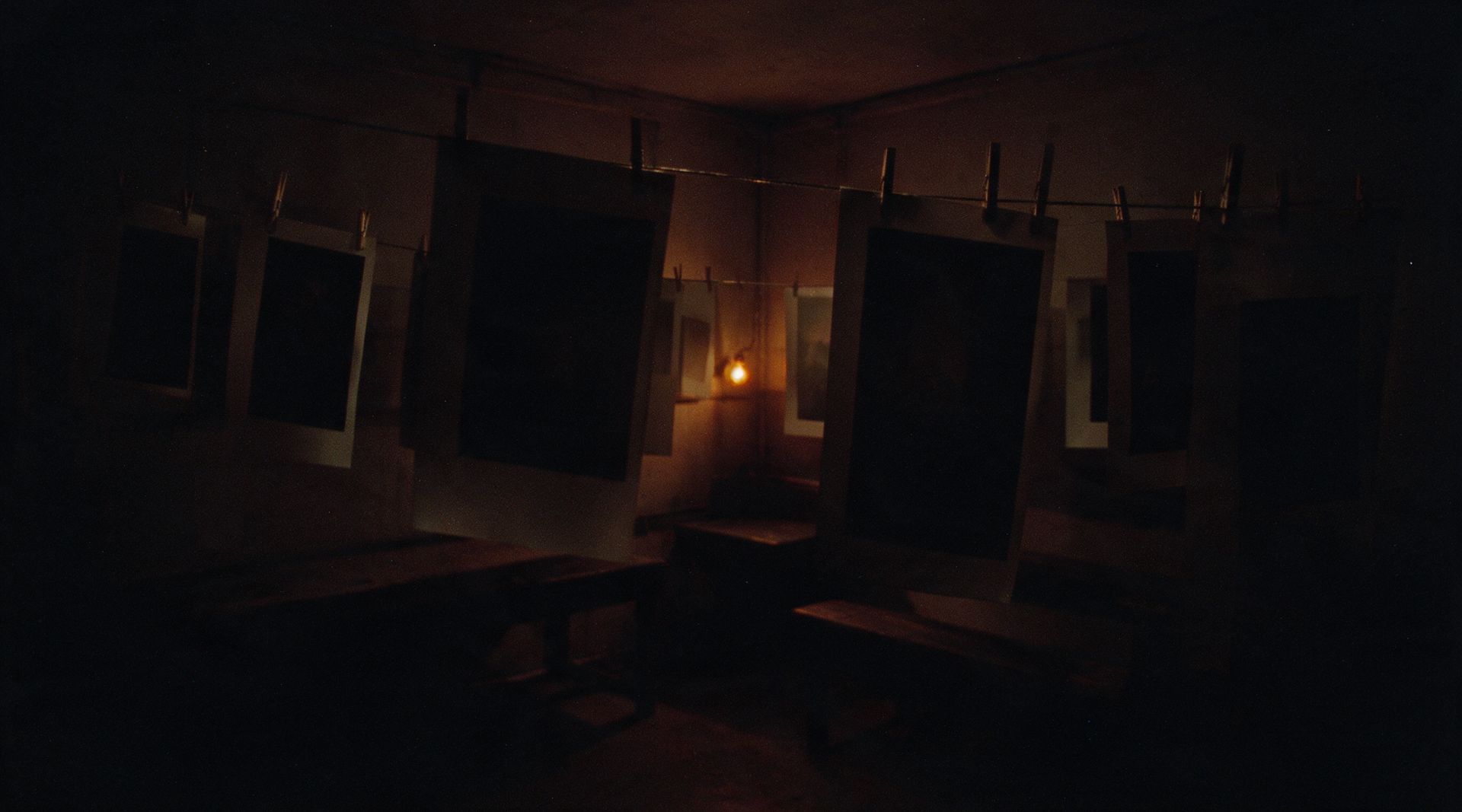
The print comes up.
New items arrive underexposed. Scroll, and wait with this one.
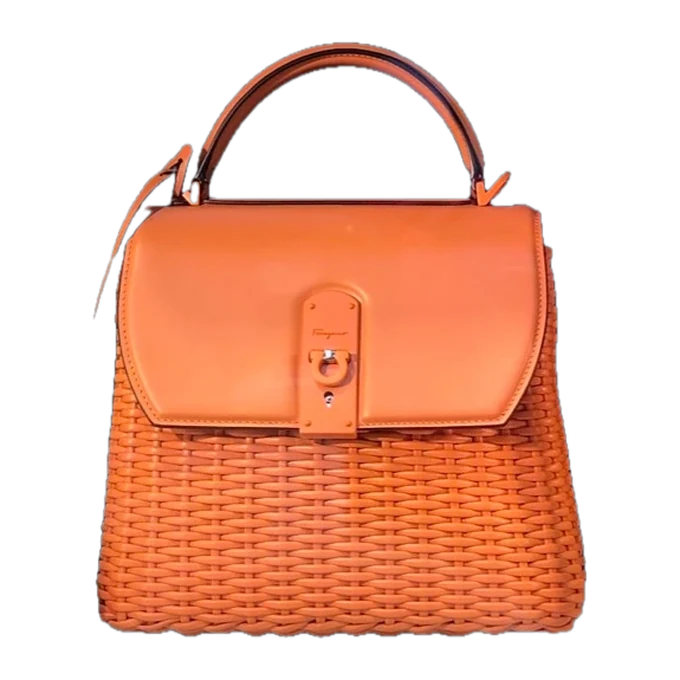
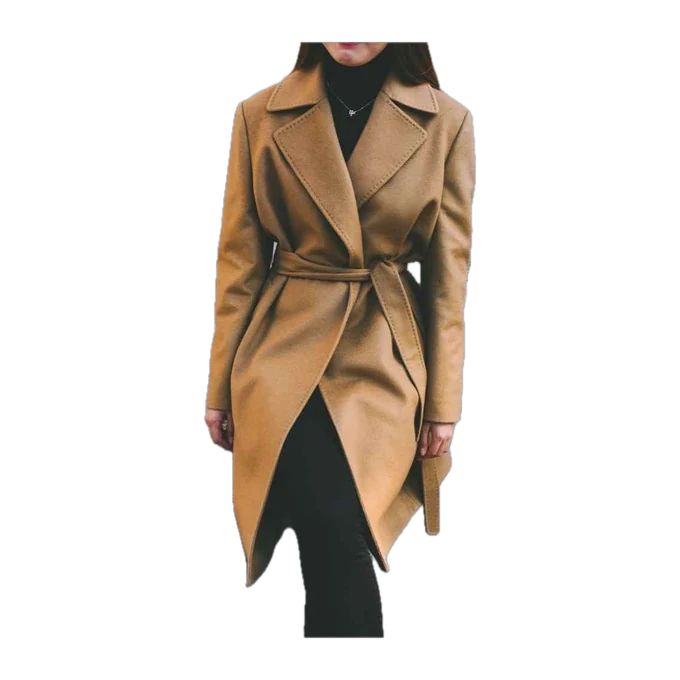
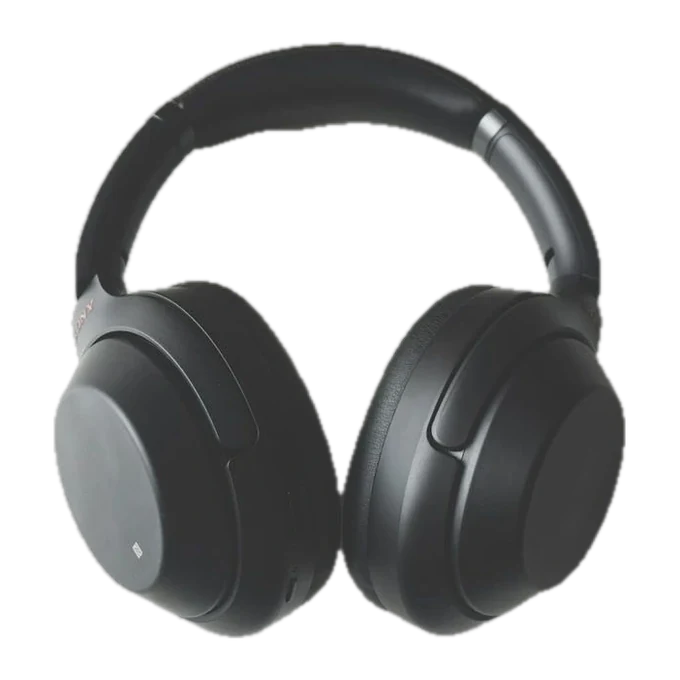
One soft notification. Then silence again.
How Bide watches
What happens after you add something.
Amber has one meaning in Bide. It appears only for a verified drop on the exact product you're watching — and the price is checked once more, the moment before you're told. If you see amber, it's real money.
Across the stores Australians actually shop.
- Woolworths
- Coles
- Chemist Warehouse
- Bunnings
- BIG W
- Myer
- David Jones
- JB Hi‑Fi
- The Good Guys
- Amazon AU
- The Iconic
- Kogan
…and most stores with a product page, including the small ones. When a store makes itself hard to read, Bide says so on the item — "Having trouble reading this store — still trying." — instead of showing you a stale price with confidence.
A contact print for your Home Screen — your gallery, small and silent. Lock Screen too.
"Add this to Bide." Add, open, and check your watches without opening the app.
Each Sunday, a quiet card in your gallery: what waiting saved you this week. Realised savings only — never projections.
Some retailer links Bide shows you are affiliate links, and we may earn a small commission if you buy through one. It never changes what we show you, or when we tell you a price dropped.
Pricing
One price, stated once.
| Feature | Free | Premium |
|---|---|---|
| Watches | 5 | Unlimited |
| Price checks | Daily | Hourly |
| Other-store matching | Included | Included |
| Alerts | Genuine drops only | Genuine drops only |
| Price | Free | A$6.99/mo or A$59/yr |
A$59 a year is about A$4.92 a month. No trial countdown, no bigger price crossed out to make this one look generous — this is what it costs.
Before you ask
Questions, answered plainly.
How do I get Bide?
Bide is in a closed beta on iPhone, through Apple's TestFlight. Leave your email in the form above and we'll send one invite when a spot opens — that's the only thing the address is ever used for. The App Store release comes when the beta has earned it.
How often does Bide actually check a price?
Once a day on the free plan, once an hour on Premium. Bide reads the retailer's own product page — the same page you'd see — and records what it finds. No third-party pricing feed, no estimate. Once a day it also looks across other Australian stores for the same item.
What counts as a "genuine" drop?
The current price has to be the lowest Bide has actually observed for that item in the last 90 days — a real market low, not a manufactured "was $199, now $149." If you've set your own target price and it's been met, we say that too, and we're plain about which of the two it is. A store's own "was" price appears as quiet context — "usually $699" — and can never trigger an alert by itself.
How does Bide know it's the same product at another store?
A match has to earn its way in. Model codes, pack counts, and variant wording all have to agree, the link has to actually work, and anything you've confirmed about your item — colour, model, size — is treated as fact. When Bide is confident, the other listing simply appears under your item. When it isn't sure, you see a quiet possible match to confirm or dismiss — and an unsure match can never send an alert.
What happens when I add something from a photo?
The photo is used once: it's sent to Anthropic, the AI provider we use to recognise the product, then it isn't stored by Bide and isn't used to train anything. Nothing else in your photo library is touched. You'll see this in a plain consent screen the first time you use it — never a buried toggle. Bide then suggests real listings it can watch, and you confirm the right one.
What if a store can't be read?
Some stores make themselves hard for software to read. Bide keeps trying on its schedule and tells you plainly on the item — "Having trouble reading this store — still trying." — rather than showing a stale price with confidence. Honest silence over confident guessing, everywhere in the app.
What's the difference between Free and Premium?
Free watches 5 items, checks once a day, and alerts on genuine drops only. Premium watches as many as you like and checks every hour, for A$6.99/mo or A$59/yr. Nothing about how honest an alert is changes between the two.
Are the retailer links honest?
Some are affiliate links, and we may earn a small commission if you buy through one. It never changes what we show you or when we tell you a price dropped — the part of Bide that decides "is this a genuine drop" has no way of knowing whether a link pays us.
What do you do with my data?
Only what it takes to watch the items you've saved. No ads, no selling your data, no advertising profile built on you. The full detail is in the Privacy Policy.
Worth waiting for.
Bide is in closed beta on iPhone. Ask, and we'll send one TestFlight invite when a spot opens.
Bide started with a simple observation: almost everything goes on sale, but no one has time to keep checking. So we either pay full price or hand our inboxes over to marketing emails that bury the one thing we wanted beneath all the noise. That kind of shopping runs on impulse — theirs, not ours. I built Bide as the opposite: a quiet place for the things you truly want. Bide watches the prices, tells you when a real drop happens, and lets you buy on your terms — when it's genuinely cheap.
— Prentice, Bide's founder
One email when a spot opens. Nothing else, ever.
Noted — you're on the list. One email when a spot opens.